Download Command
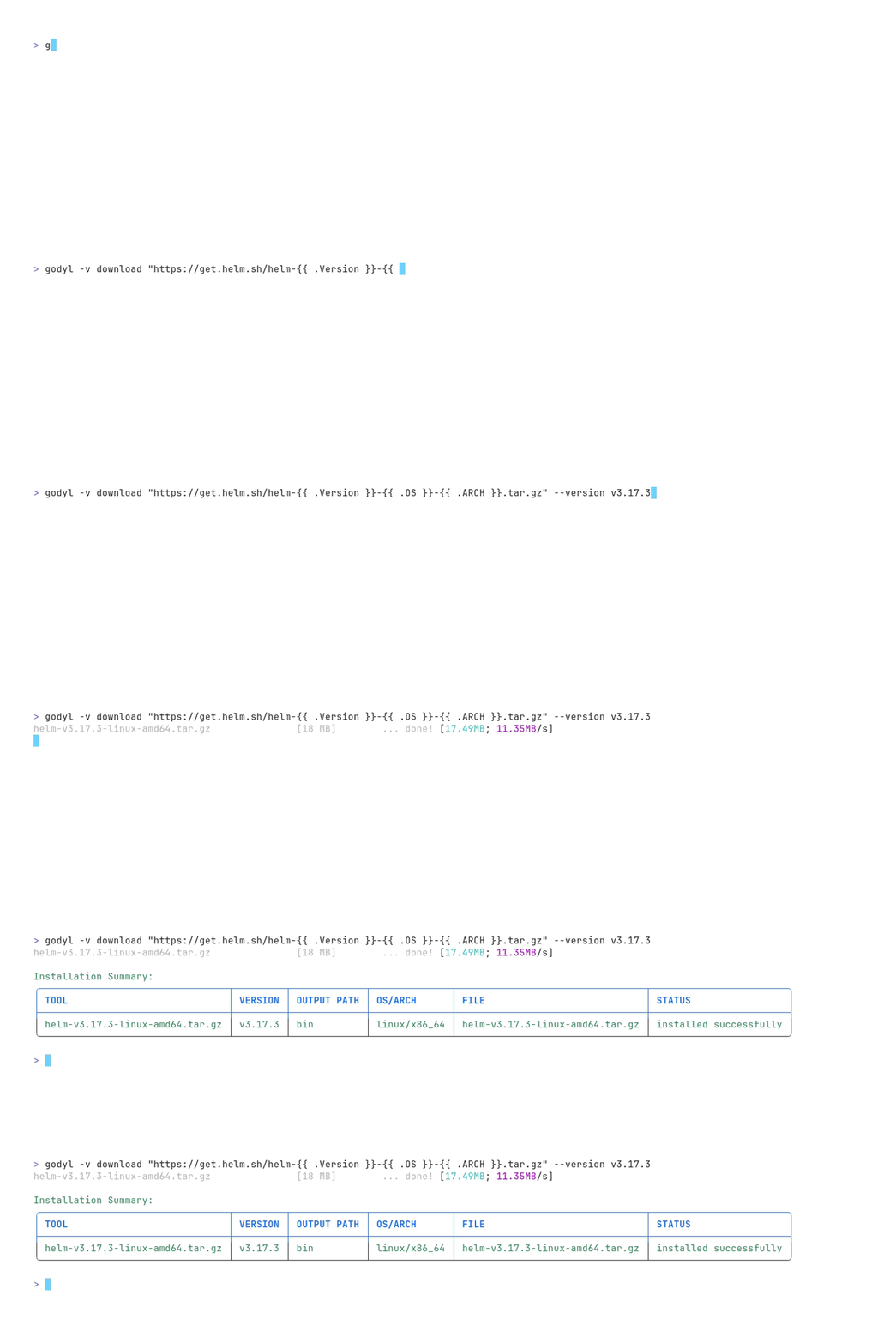
The download command allows you to download (and extract if necessary) individual tools without requiring a configuration file.
Syntax
godyl [flags] download [tool, URL]... [flags]
Aliases
dlx
Description
The download command provides a quick way to download tools. You can specify tools in the format owner/repo for GitHub/GitLab repositories, or provide a full URL.
When using the download command, the tool will be downloaded and extracted directly into the output directory.
Flags
| Flag | Environment Variable | Default | Description |
|---|---|---|---|
--output, -o | GODYL_DOWNLOAD_OUTPUT | ./bin | Output path for the downloaded tools |
--source | GODYL_DOWNLOAD_SOURCE | github | Source from which to install the tools. Only allows for github, gitlab, or url |
--os | GODYL_DOWNLOAD_OS | "" | Operating system to use for downloading |
--arch | GODYL_DOWNLOAD_ARCH | "" | Architecture to use for downloading |
--hints | GODYL_DOWNLOAD_HINTS | [""] | Add hint patterns with weight 1 and type glob |
--version | GODYL_DOWNLOAD_VERSION | "" | Version to download. Will set the {{ .Version }} template variable |
--dry | GODYL_DOWNLOAD_DRY | false | Dry run. Will not download, but show what would be done. Implies -v |
--pre | GODYL_DOWNLOAD_PRE | false | Consider pre-releases when installing tools |
For URL downloads, the checksum verification is disabled, as it cannot be determined automatically.
Examples
Download a specific version
godyl download idelchi/envprof --version v0.0.1
Download multiple tools
godyl download idelchi/envprof idelchi/slot
Download from a direct URL
godyl download "https://github.com/idelchi/envprof/releases/download/v0.0.1/envprof_{{ .OS }}_{{ .ARCH }}.tar.gz"
or
godyl download "https://github.com/idelchi/envprof/releases/download/{{ .Version }}/envprof_{{ .OS }}_{{ .ARCH }}.tar.gz" --version v0.0.1